 Sheru Bhai Photo
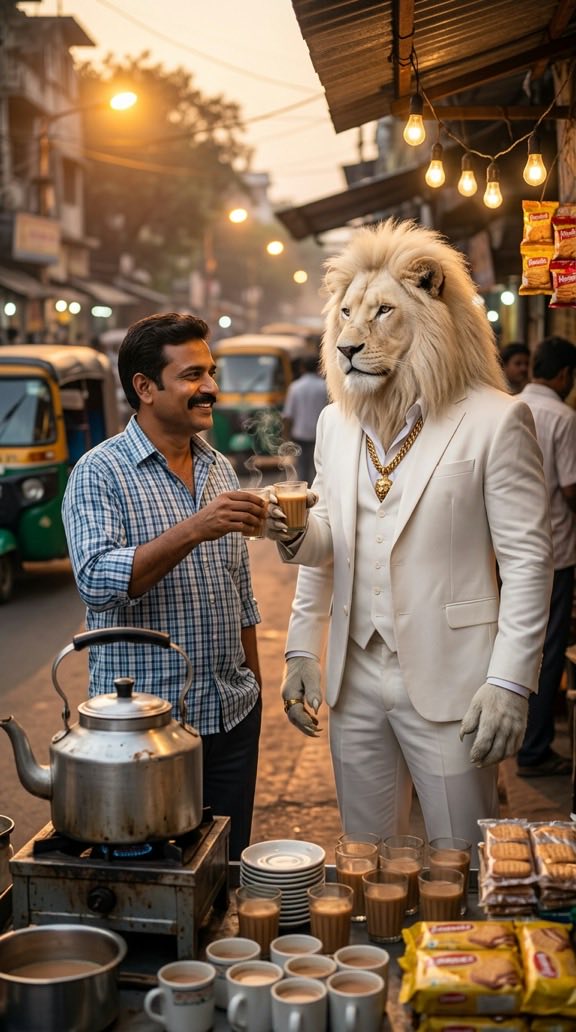
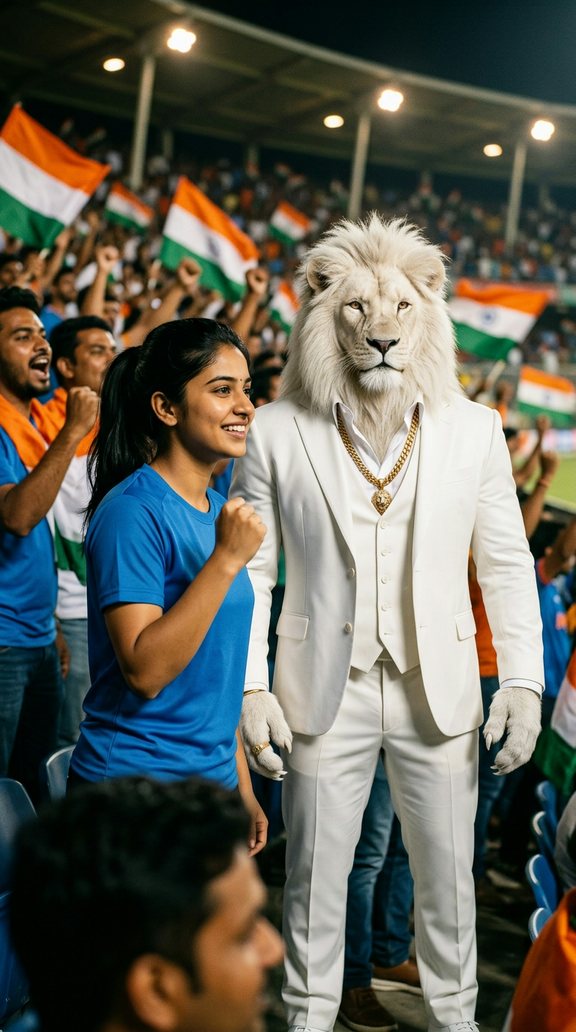
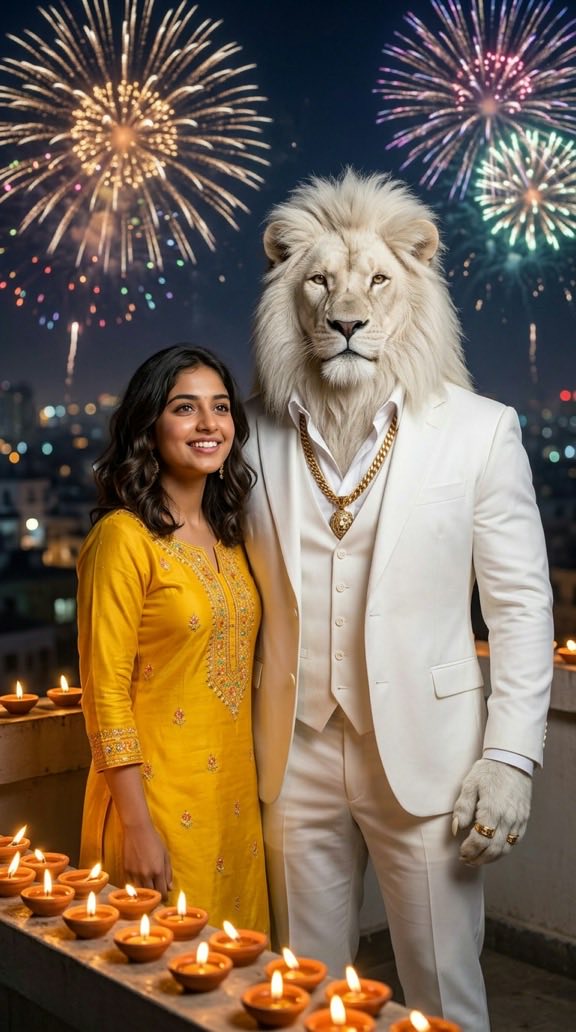
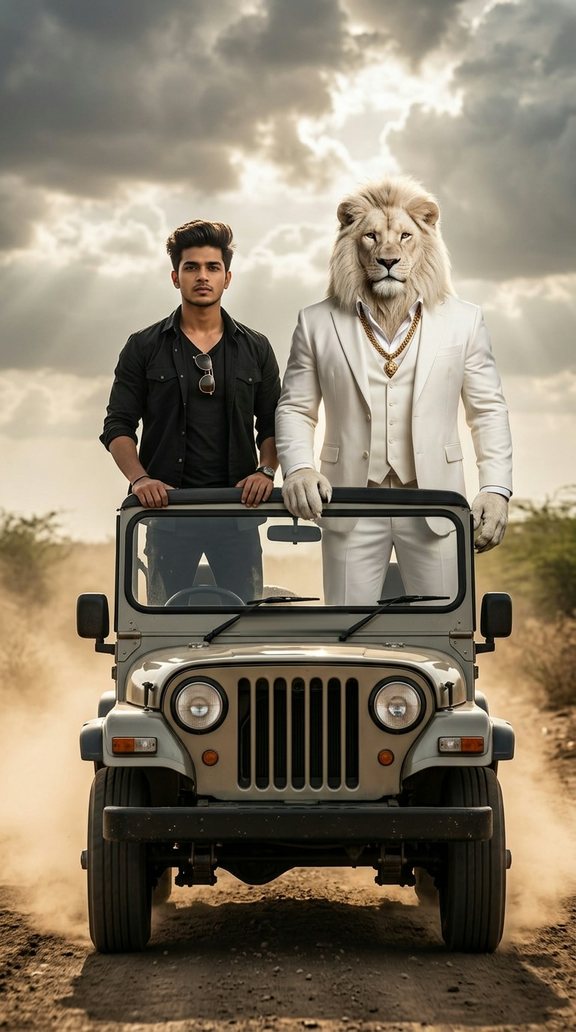
What is a Sheru Bhai photo?
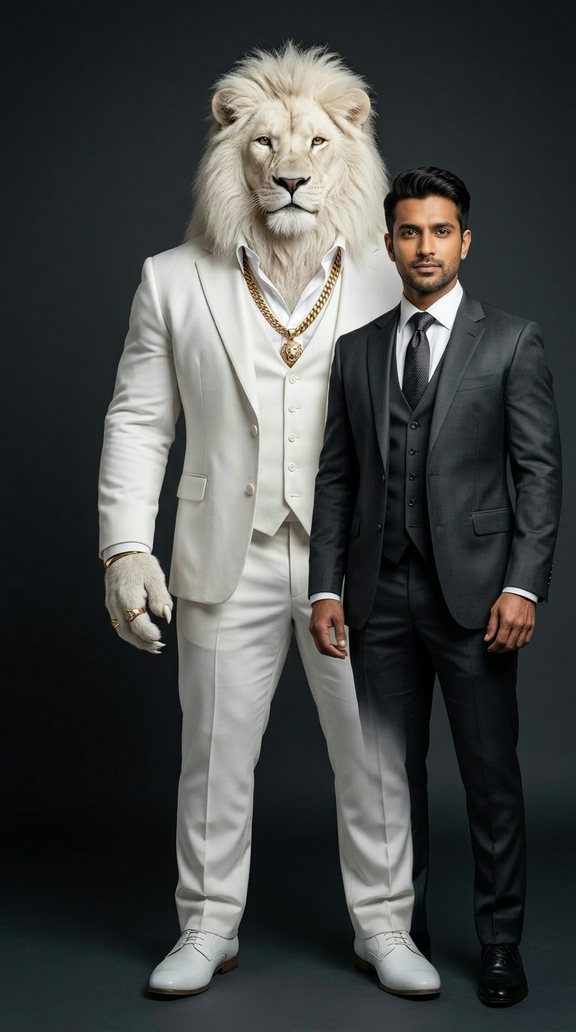
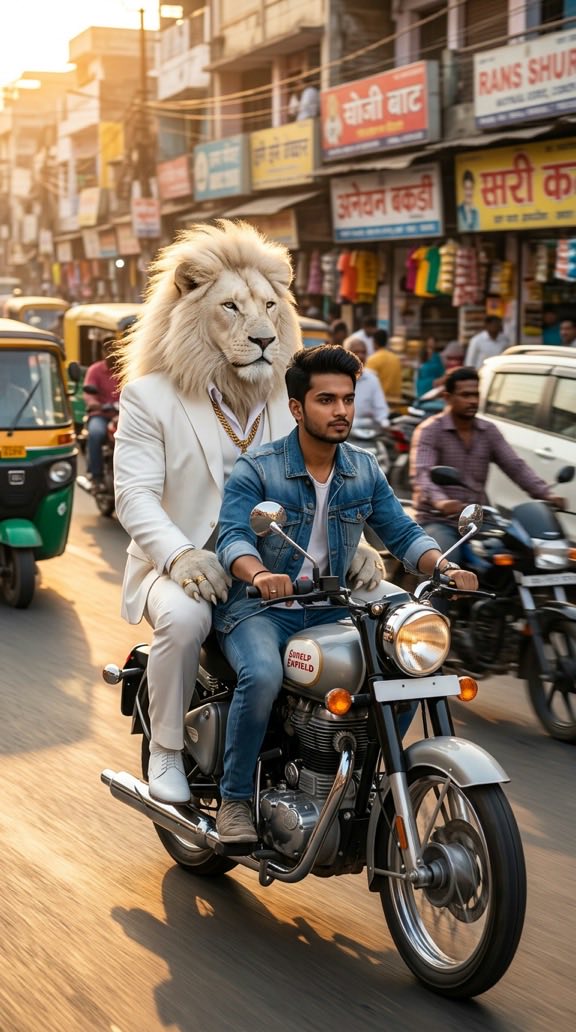
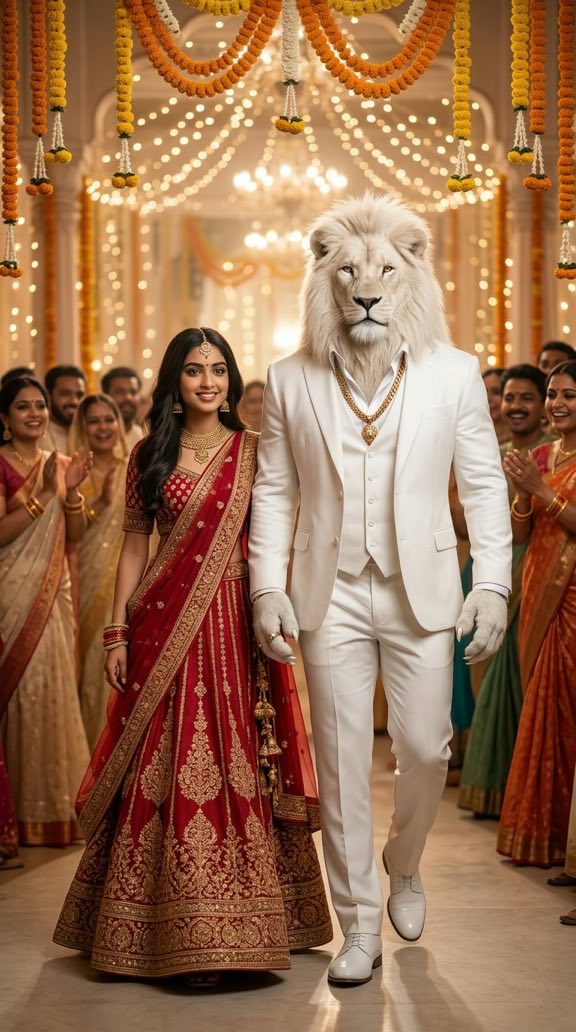
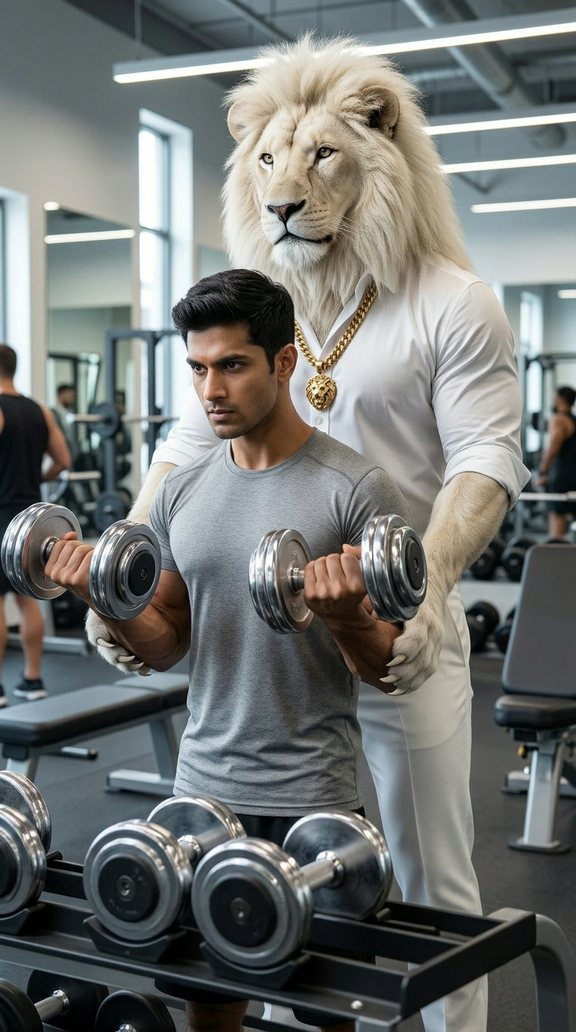
Sheru Bhai is the AI-made white lion that took over Indian Instagram Reels: a big white lion in a sharp white suit, a heavy gold chain, and the calm look of the most respected bhai in the area. A Sheru Bhai photo is a picture of you standing next to him — on a bike, at a wedding, at the chai stall, wherever the story goes.
Most people make these photos by pasting a long prompt into ChatGPT or Gemini, then trying again and again because the lion looks different every time. This generator skips that. The lion's look is already set. You upload your selfie, choose a scene, and get a ready-to-post picture.
New to the meme? Read who is Sheru Bhai — what the videos show, his famous dialogue and how the trend started.
How to make your Sheru Bhai photo
- Upload a selfie. One person, face clearly visible, good light. Your phone camera is perfect.
- Pick a scene. Classic suit portrait, bike ride, shaadi entry, chai tapri, cricket match, Diwali night, open jeep or gym bros.
- Press "Make my Sheru Bhai photo". The AI places you next to Sheru Bhai and matches the light and style of the scene.
- Download or share. The photo is 9:16, so it fits Reels, Stories and WhatsApp Status without cropping.
You need to sign in with Google so we can keep track of your photos. New members get 1 free photo.
Scenes you can pick
| Scene | What you get | Write it yourself |
|---|---|---|
| Classic Suit | You and Sheru Bhai side by side, both dressed sharp, studio light | Classic Suit prompt |
| Bike Ride | Riding together on a bike down a city road | Bike Ride prompt |
| Shaadi Entry | Walking into a wedding hall with flowers and lights | Shaadi Entry prompt |
| Chai Tapri | Sharing cutting chai at a roadside stall | Chai Tapri prompt |
| Cricket Match | In the stands or on the pitch on match day | Cricket Match prompt |
| Diwali Night | Diyas, lights and fireworks behind you | Diwali Night prompt |
| Open Jeep | Standing in an open jeep like a hero entry | Open Jeep prompt |
| Gym Bros | Working out together, Sheru Bhai spotting you | Gym Bros prompt |
Tips for a better photo
- Face the camera. Side profiles and faces half in shadow come out less like you.
- One face only. Group photos confuse the AI about who to place next to the lion.
- No sunglasses, masks or heavy filters. The AI needs to see your real face.
- Chest-up is best. Very far full-body shots lose detail in the face.
- Try a second scene. If one picture is not quite right, a different scene often works better with the same selfie.
Your selfie and your privacy
Your selfie is used only to make your picture. It is sent to the AI image service named in our privacy policy to create the photo, and it is deleted from our storage automatically within 24 hours. Before it is uploaded, your phone shrinks the image and removes hidden data such as location. We never show your selfie to other visitors. You can delete your account and its data at any time from your account page.
Safe use
- Only upload your own photo, or a photo of someone who has agreed. By uploading, you confirm this.
- You pick from fixed scenes. Nobody can type their own instructions to the AI, and a safety filter blocks adult and harmful results.
- Every photo is labelled AI-generated. Please don't pass it off as a real photo.
- See something wrong? Use the "Report this photo" link under any result, or email support@sheru-bhai-photo.com.
The full rules are in our Acceptable Use Policy.
Prefer to write your own prompt?
If you would rather use ChatGPT, Gemini or another image AI yourself, we keep a list of copy-ready prompts on the Sheru Bhai prompt page. Paste one in, attach your selfie, and adjust the scene words to taste. Want Sheru Bhai to move? Try the Sheru Bhai video prompt storyboards for video AI tools.
Photo packs
New members get 1 free photo. After that, you can buy a photo pack (see the pricing page). A standard photo uses one credit and an HD (2K) photo uses two. Credits never expire. If a photo fails, the credit goes back to your account automatically. See pricing for all packs.